A goal that is actually yours
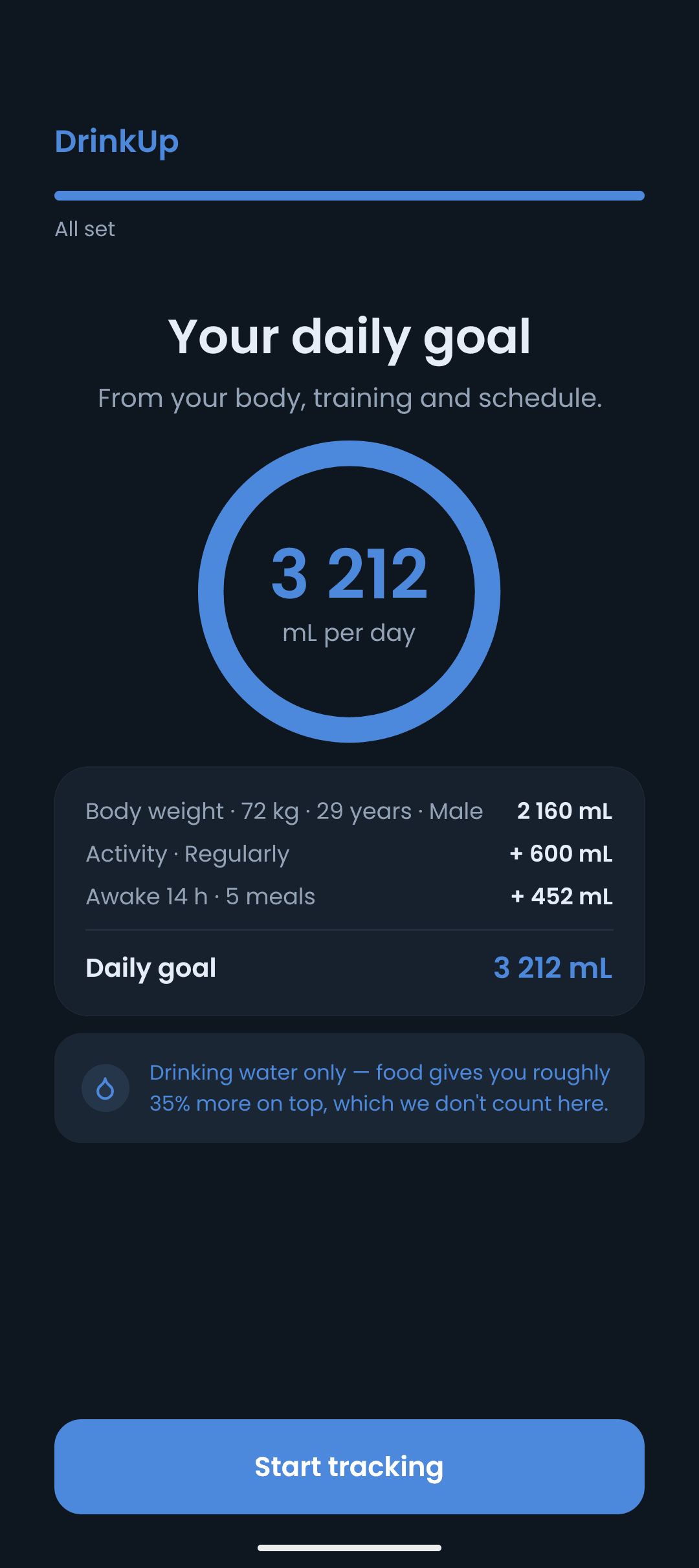
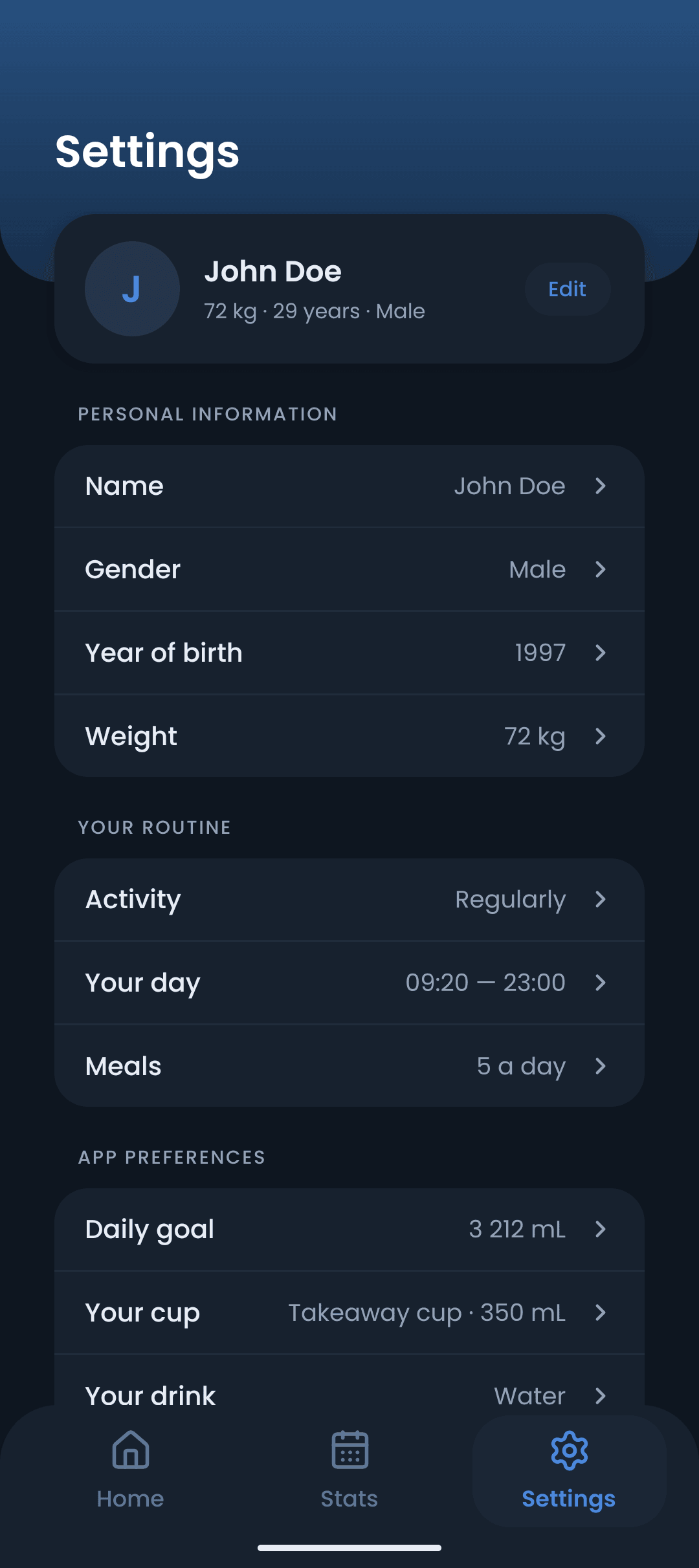
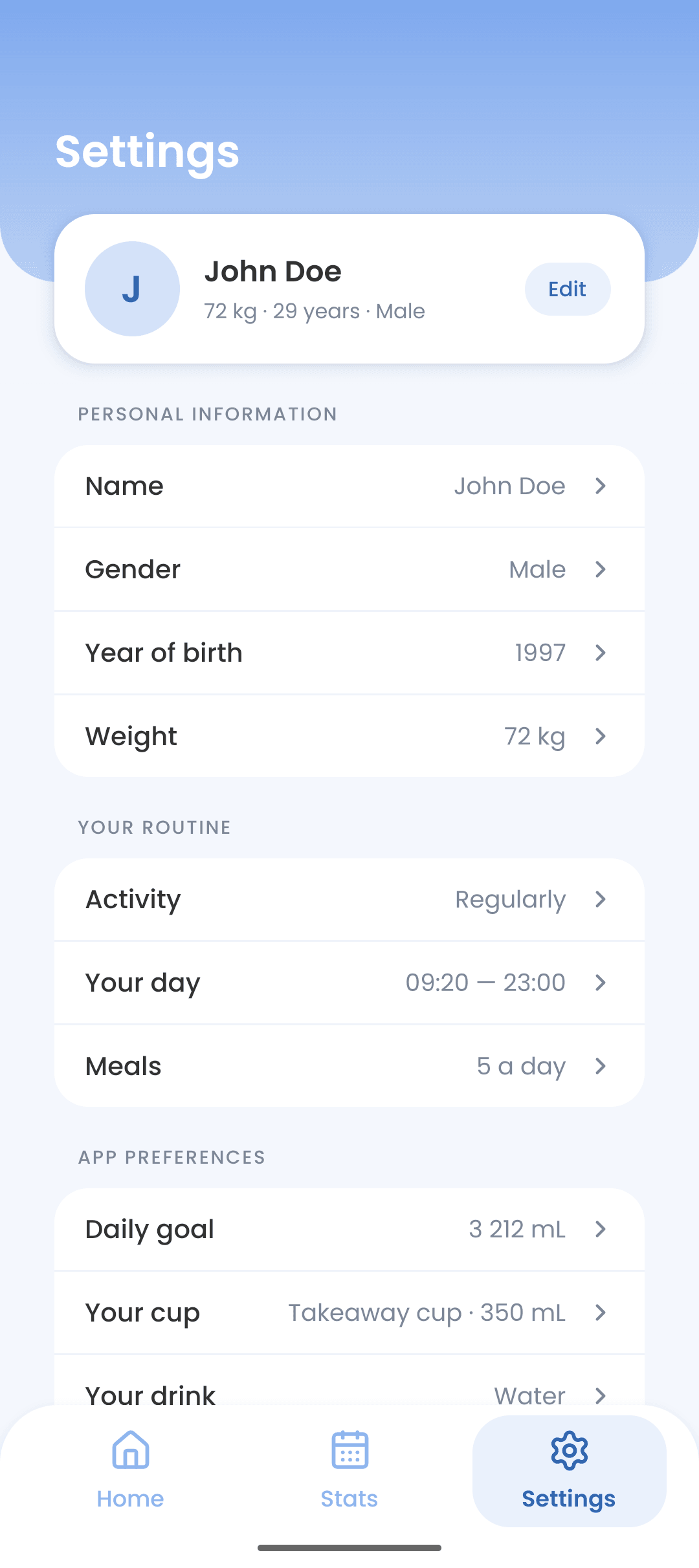
Weight, activity, awake hours and meal times make one number — 3 212 mL for a 72 kg day — instead of the same flat two litres for everybody.
Water tracker for Android
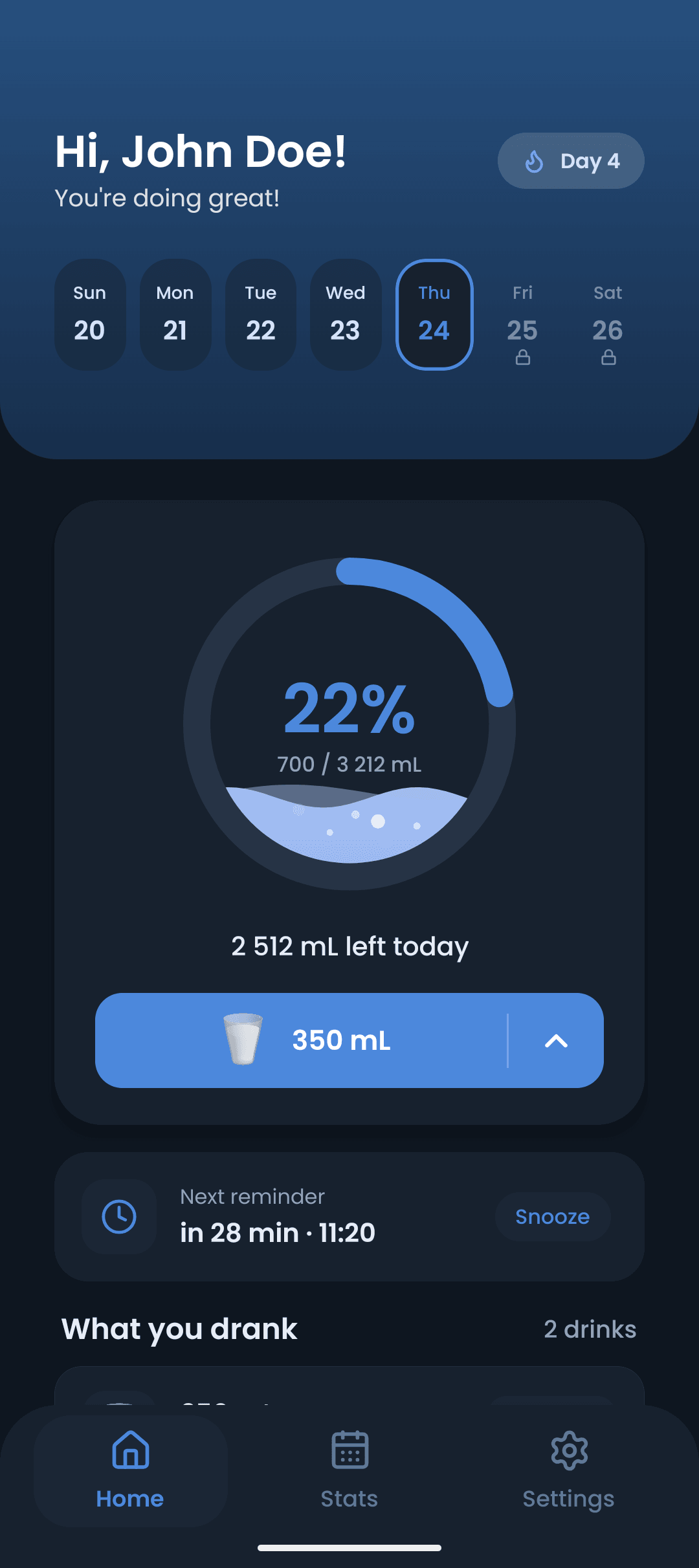
DrinkUp works out how much you actually need — from your weight, activity and how long you are awake — then reminds you only at the moments that make sense. One tap logs a glass.
Features
No streak guilt, no social feed, no paywall on the daily basics. DrinkUp does one job and then gets out of your way.
Weight, activity, awake hours and meal times make one number — 3 212 mL for a 72 kg day — instead of the same flat two litres for everybody.
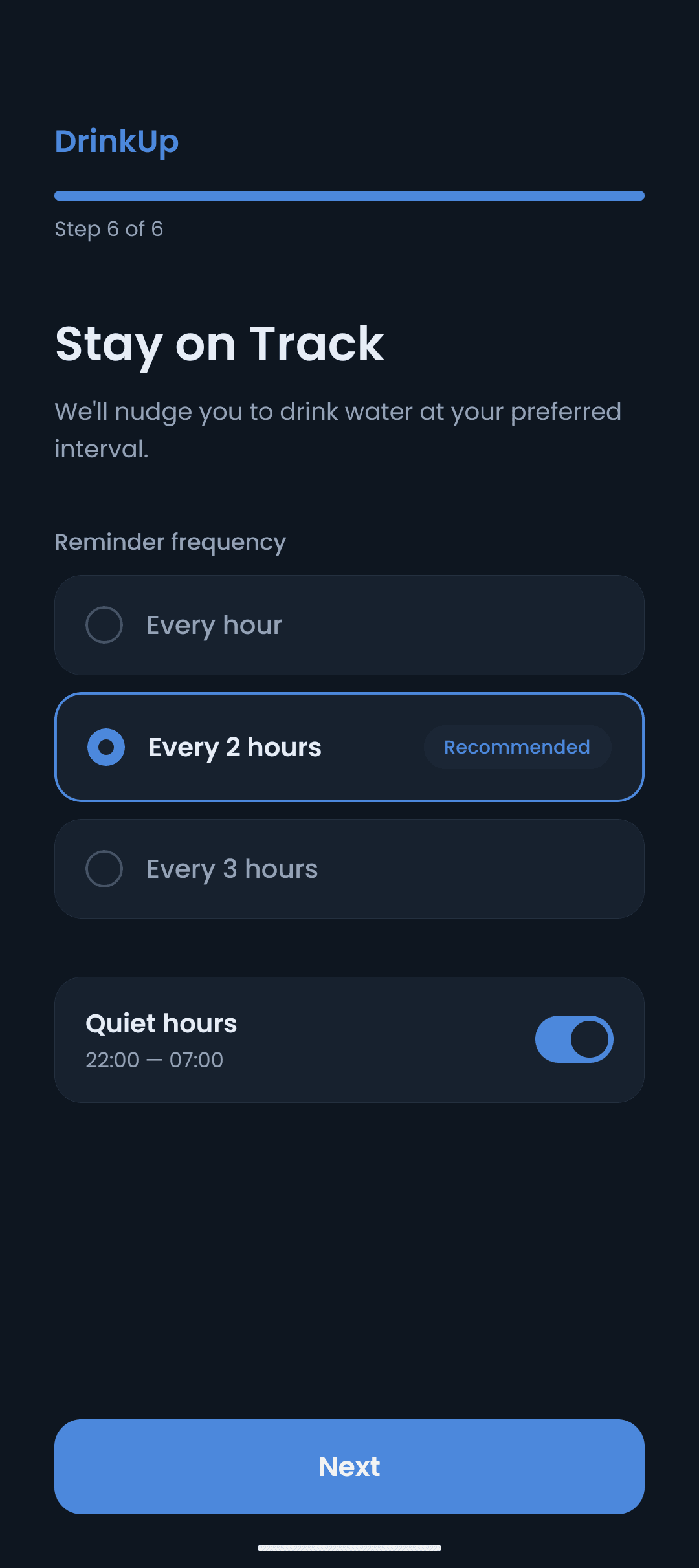
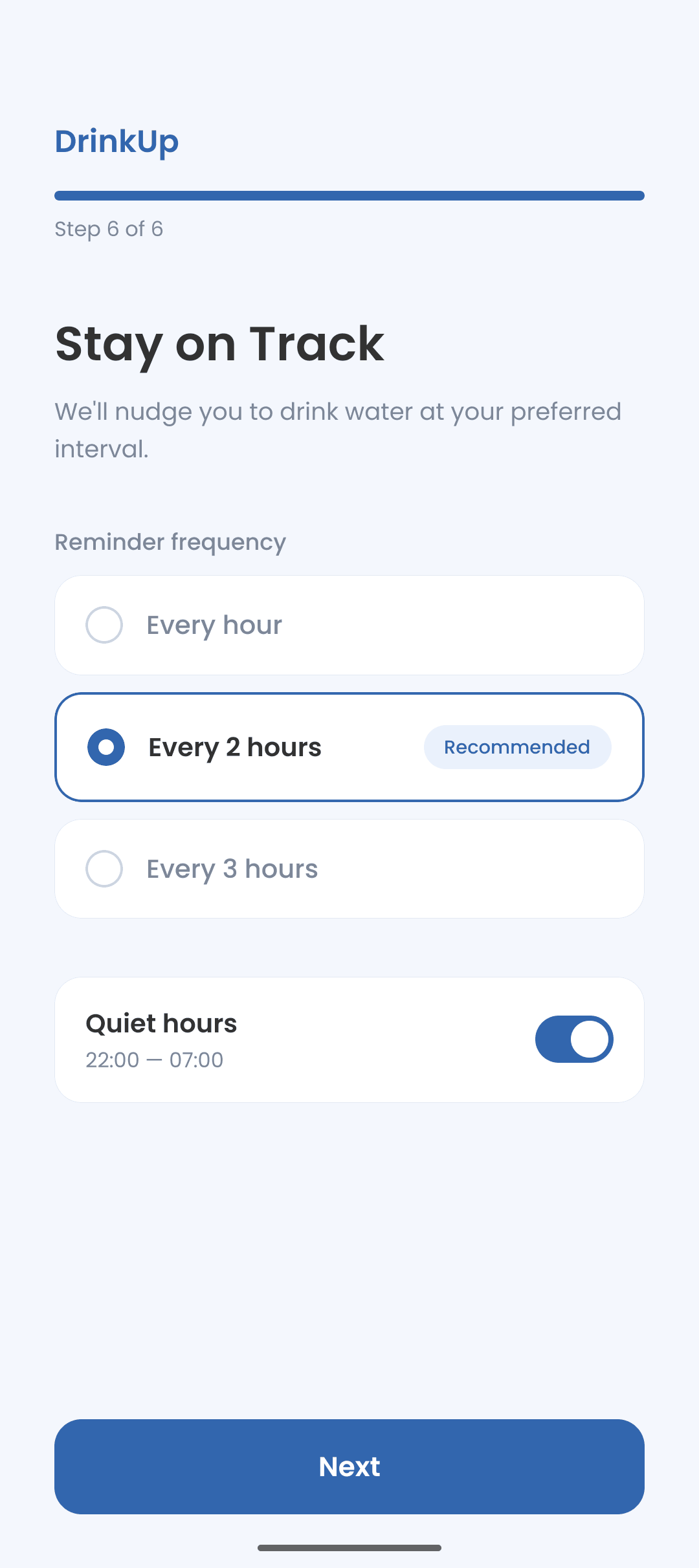
Nudges only between waking up and going to bed, spaced around your meals. Snooze one, or log “Drank it” straight from the notification.
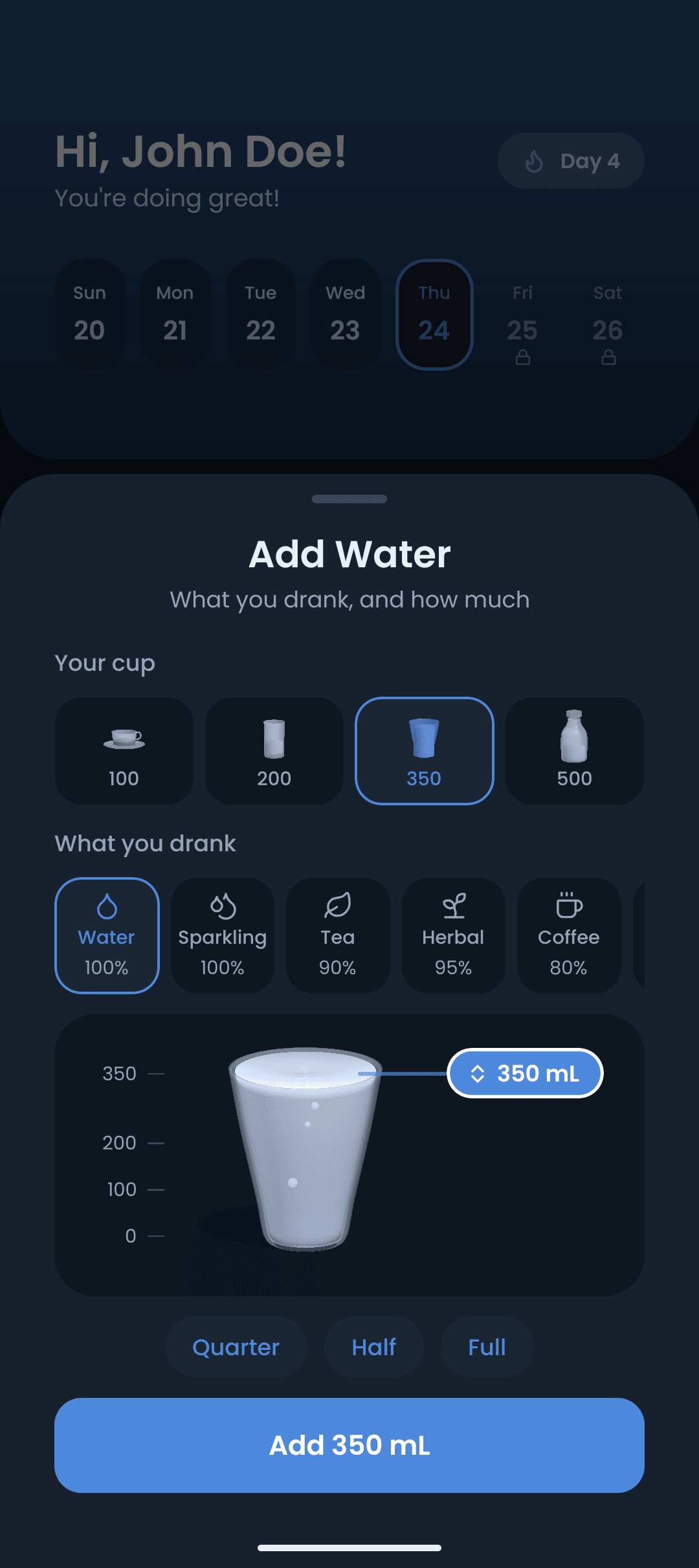
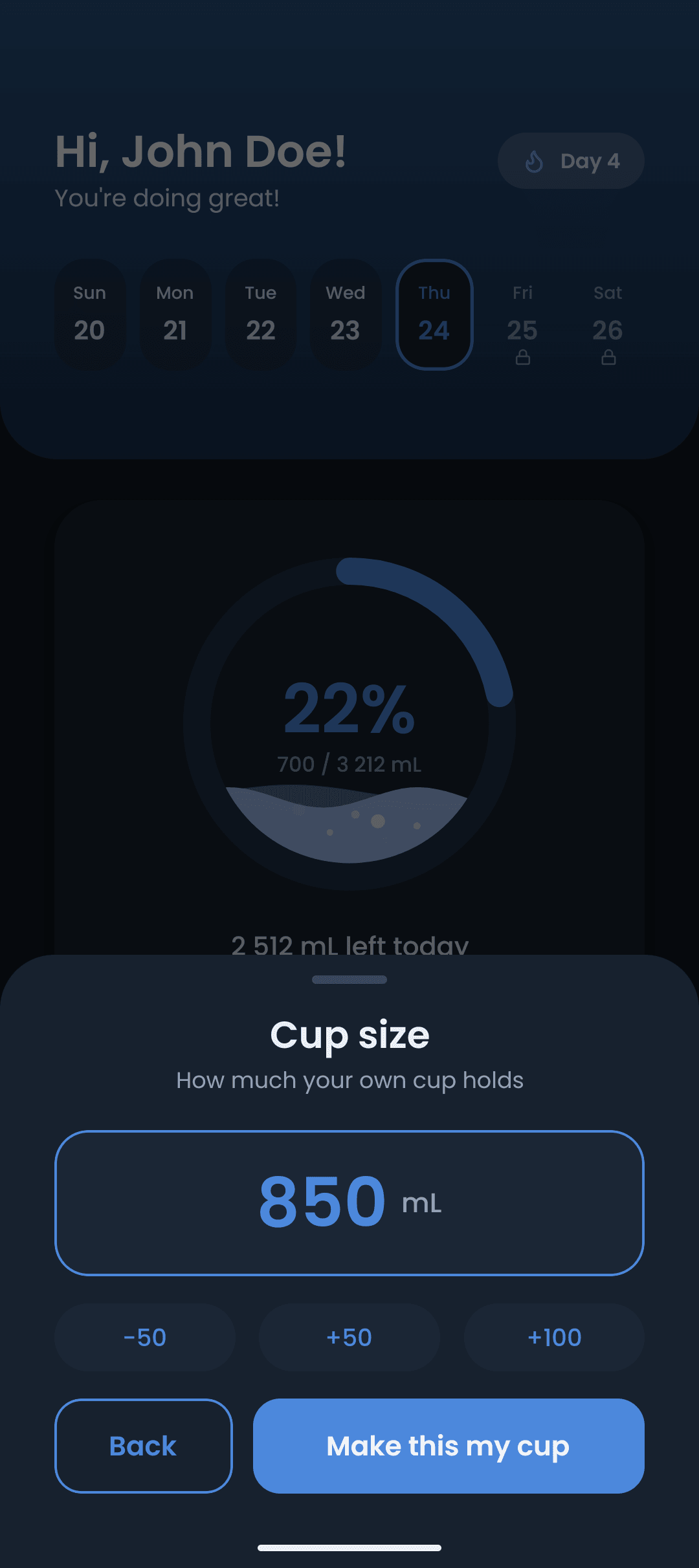
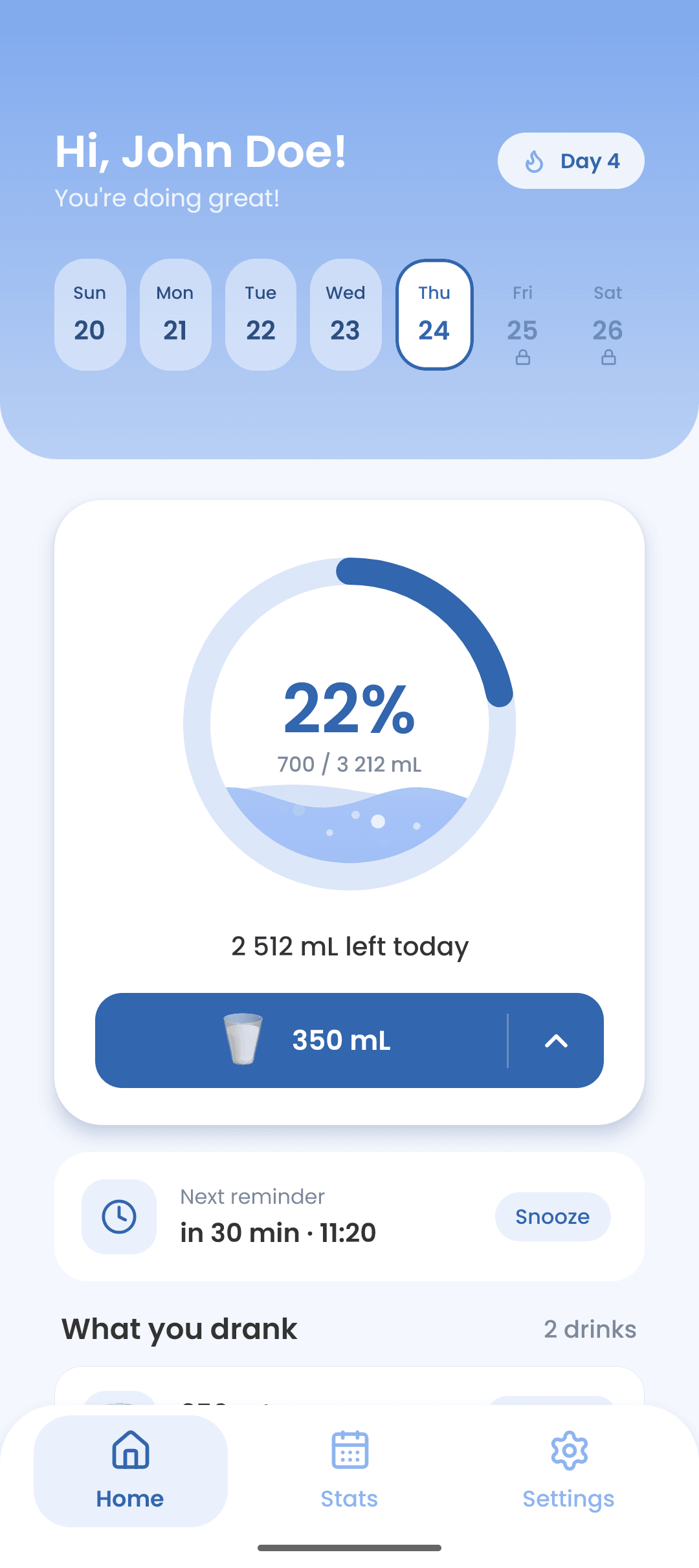
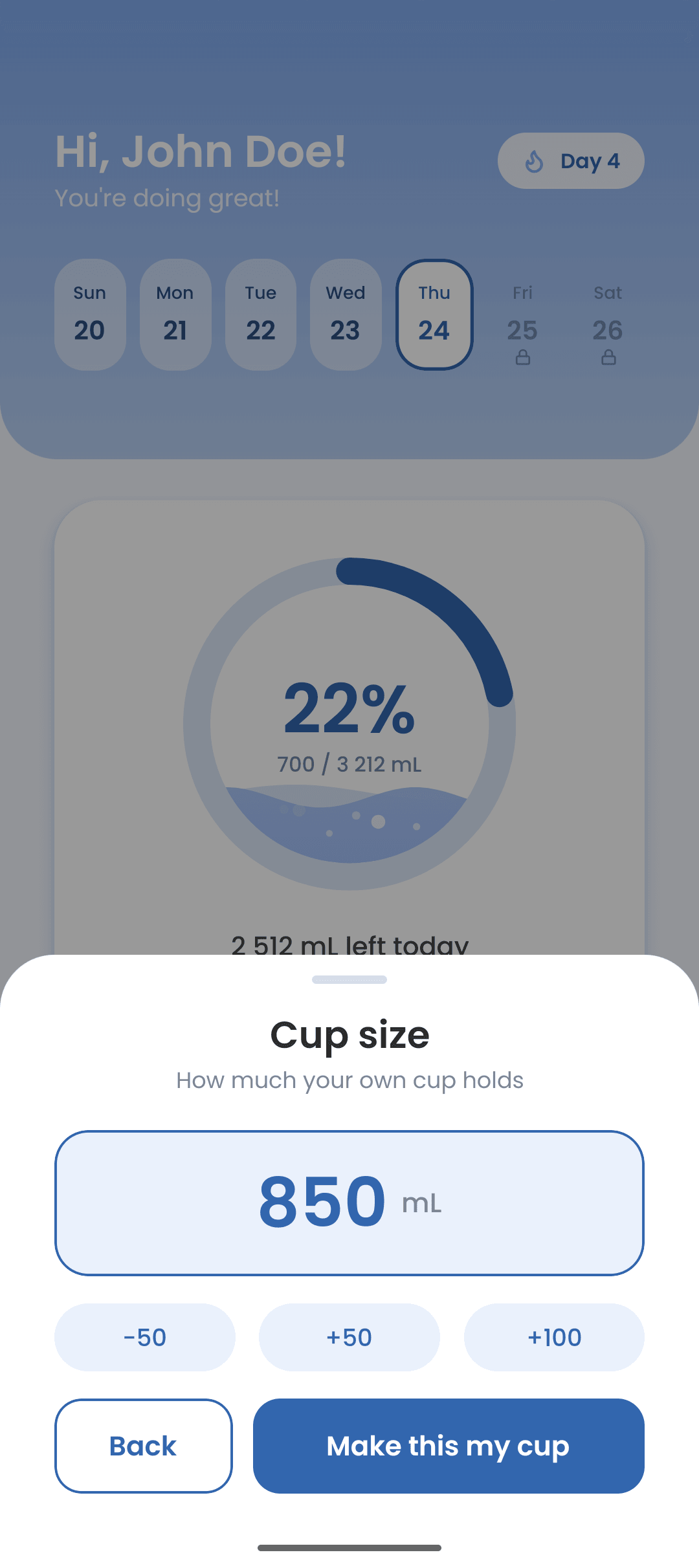
Cup, glass, takeaway or bottle — or type an exact amount. The ring on the home screen moves the moment you tap.
Tea, coffee, juice, milk, even a beer. Each counts for what it is really worth — coffee at 80%, wine at 20% — so the total is not a fiction.
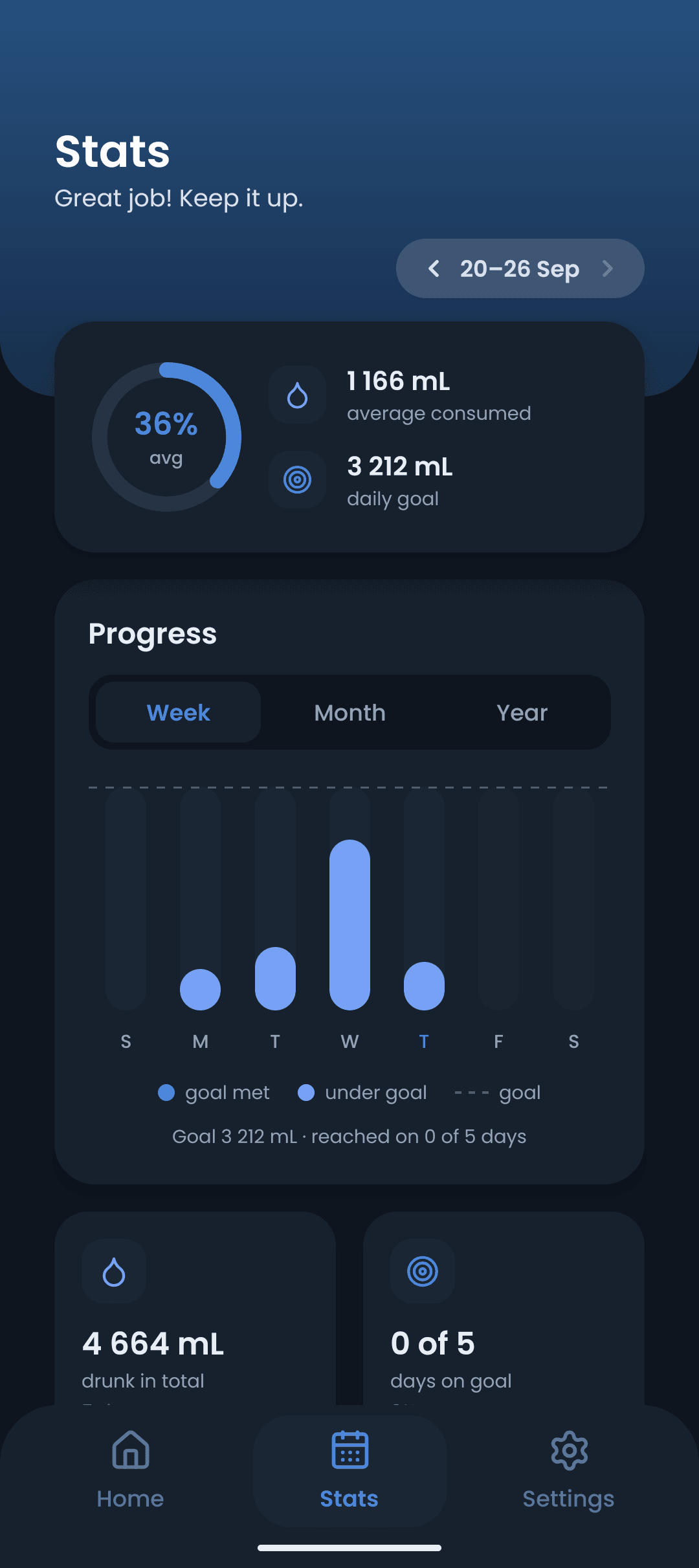
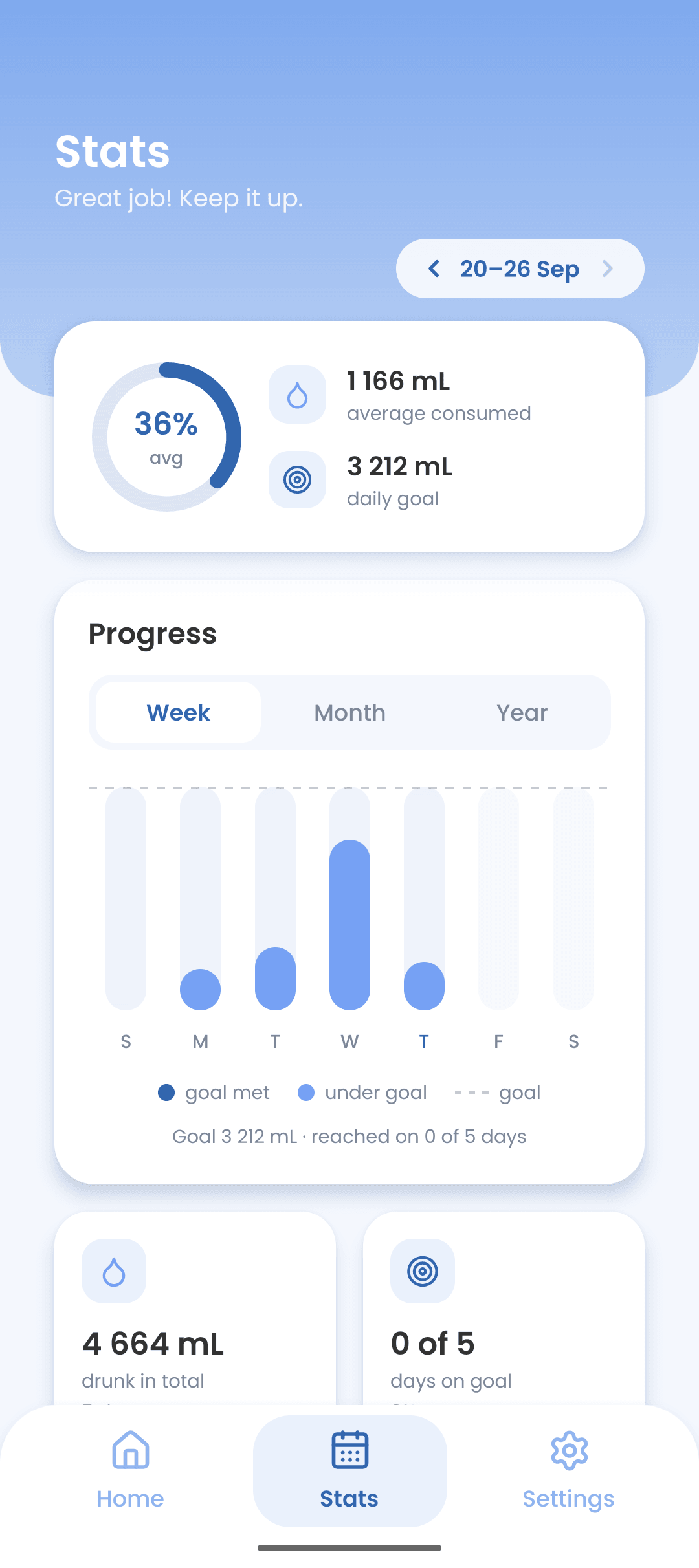
What you drank and when, day by day, with the days you hit your goal marked. Enough to spot the afternoon you always forget.
Today’s ring and a one-tap add, without opening the app. Themed to match the rest of your launcher.
How it works
No sign-up, no onboarding maze. You can be tracking in under a minute.
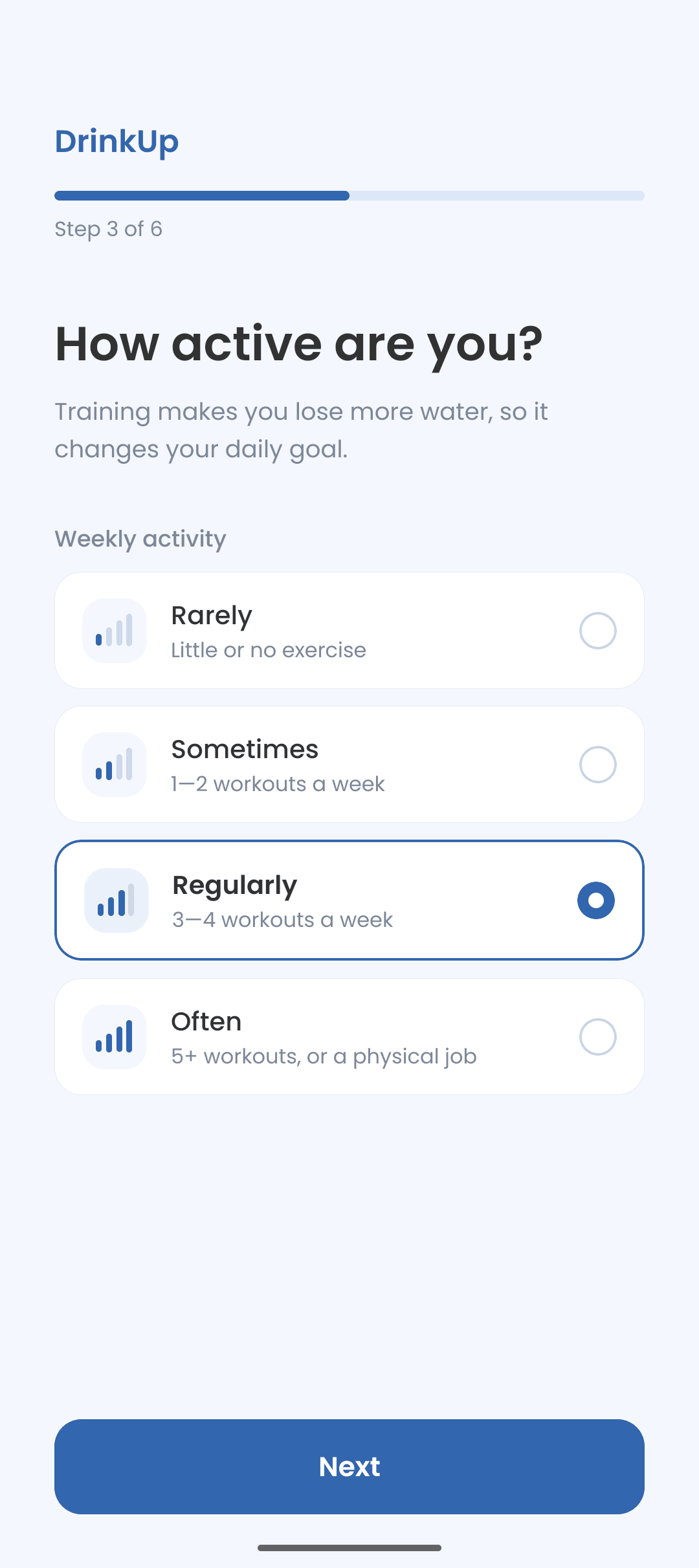
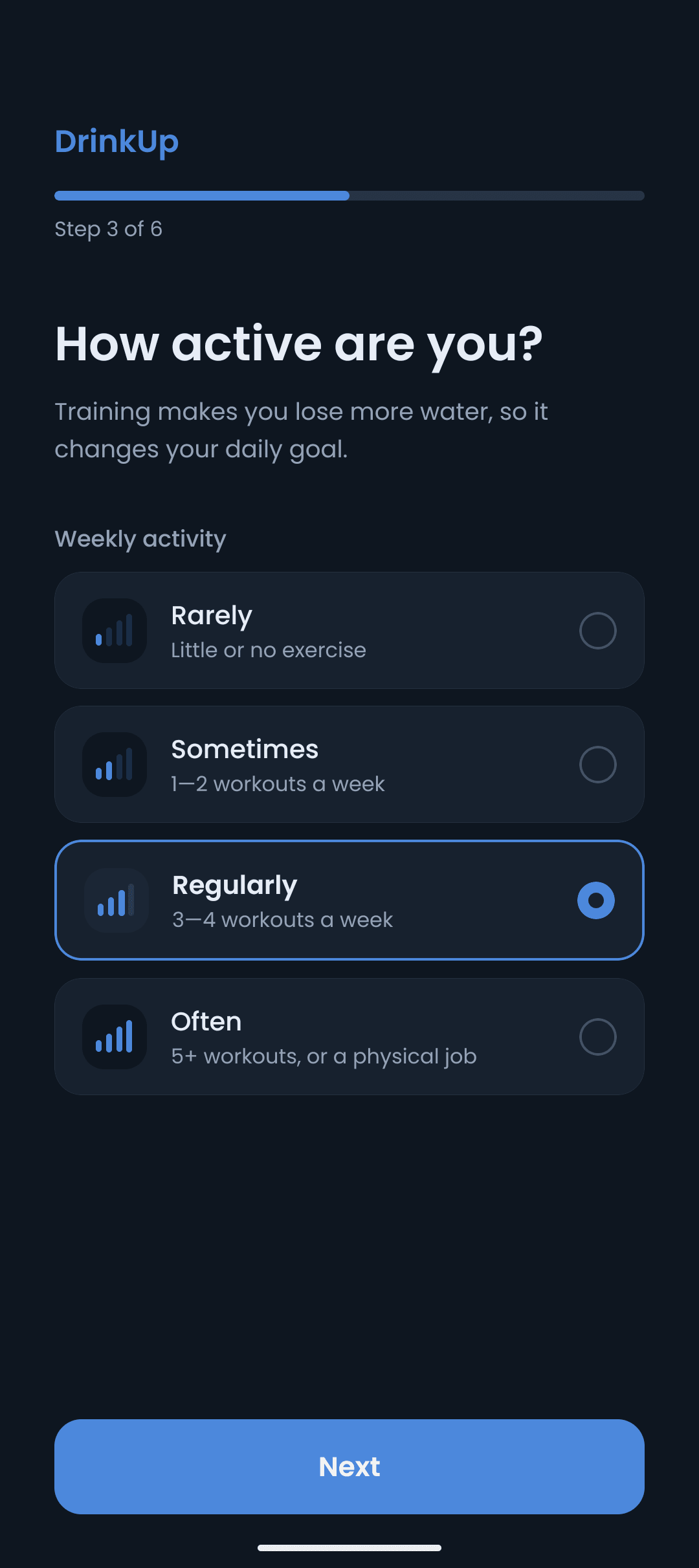
Six short questions — weight, how much you move, when you wake up and go to sleep, when you eat. Under a minute, and no account.
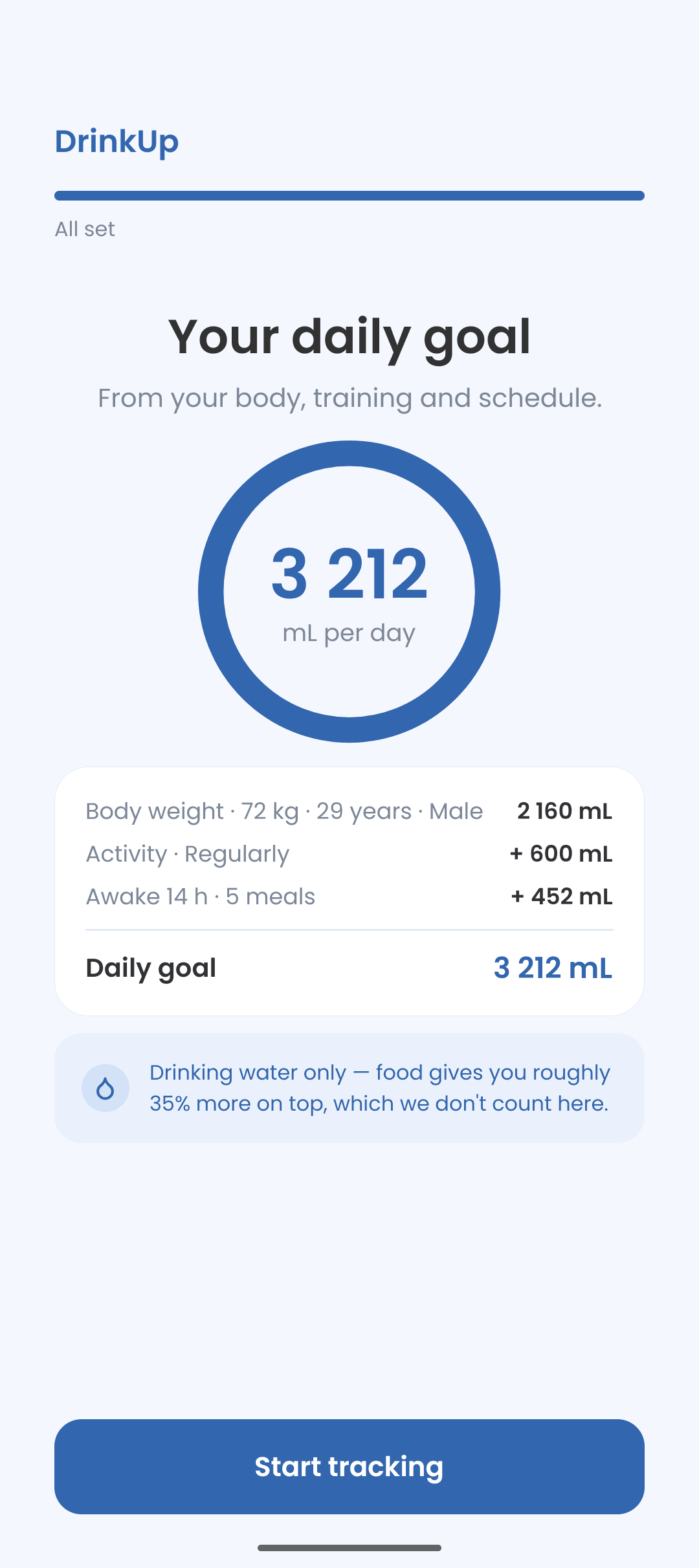
DrinkUp works the goal out and shows exactly where it came from. Change anything later and it recalculates on the spot.
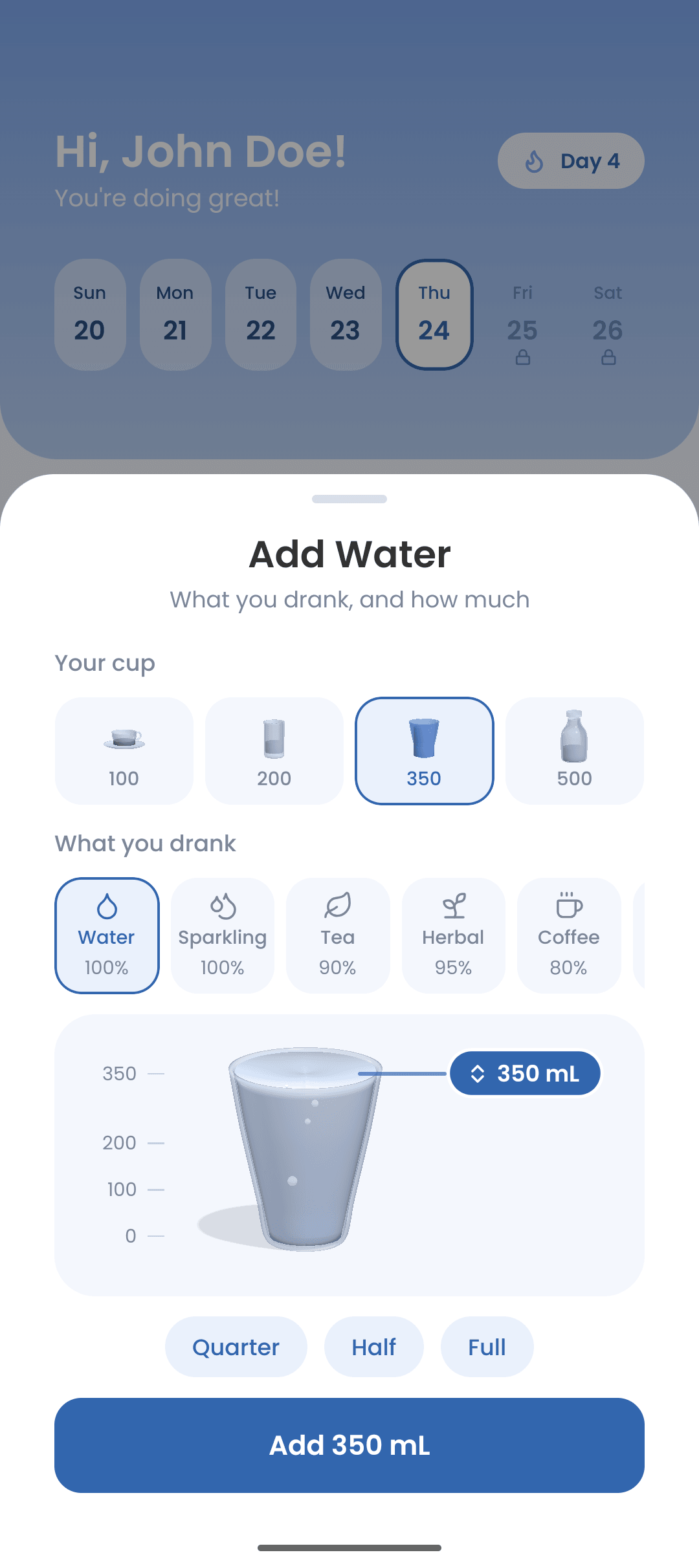
A reminder arrives, you drink, you tap. The ring fills, the week fills in, and that is the entire routine.
Screens
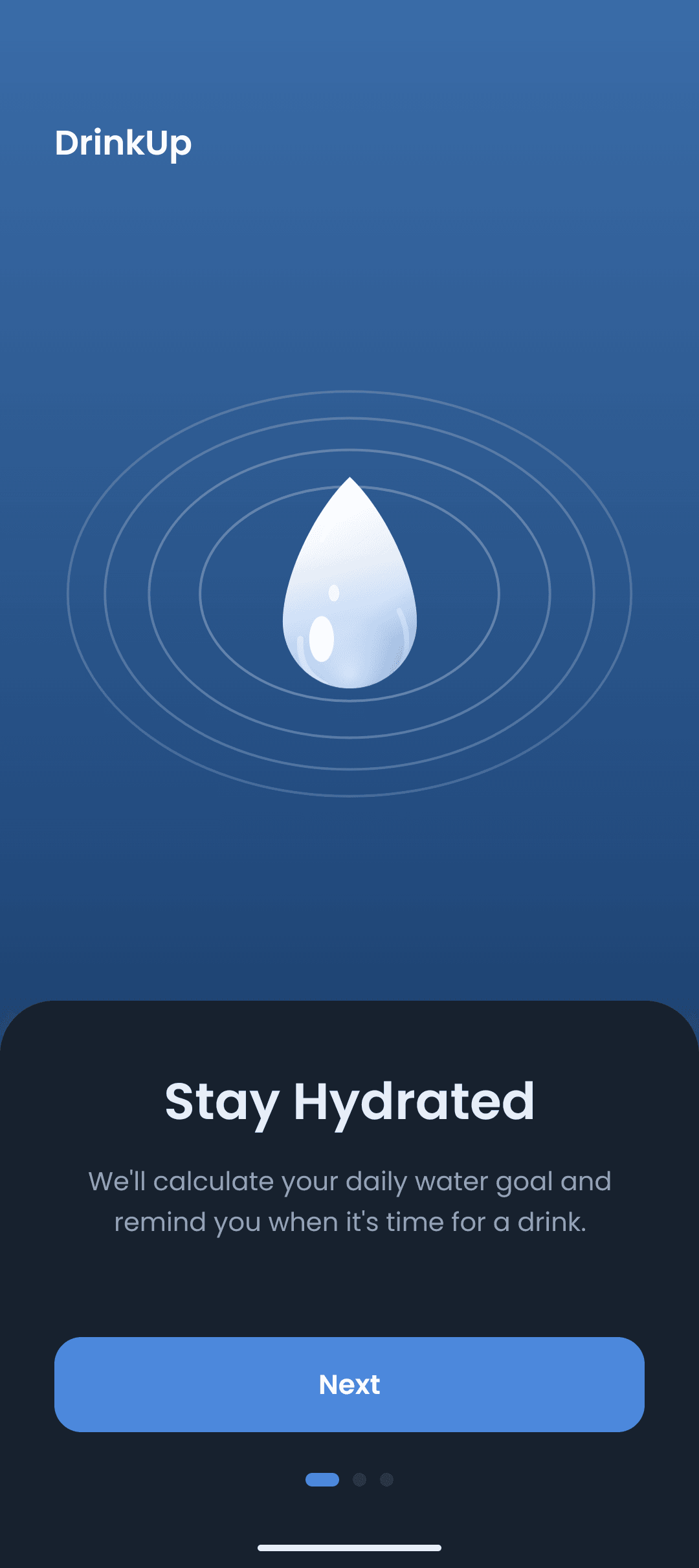
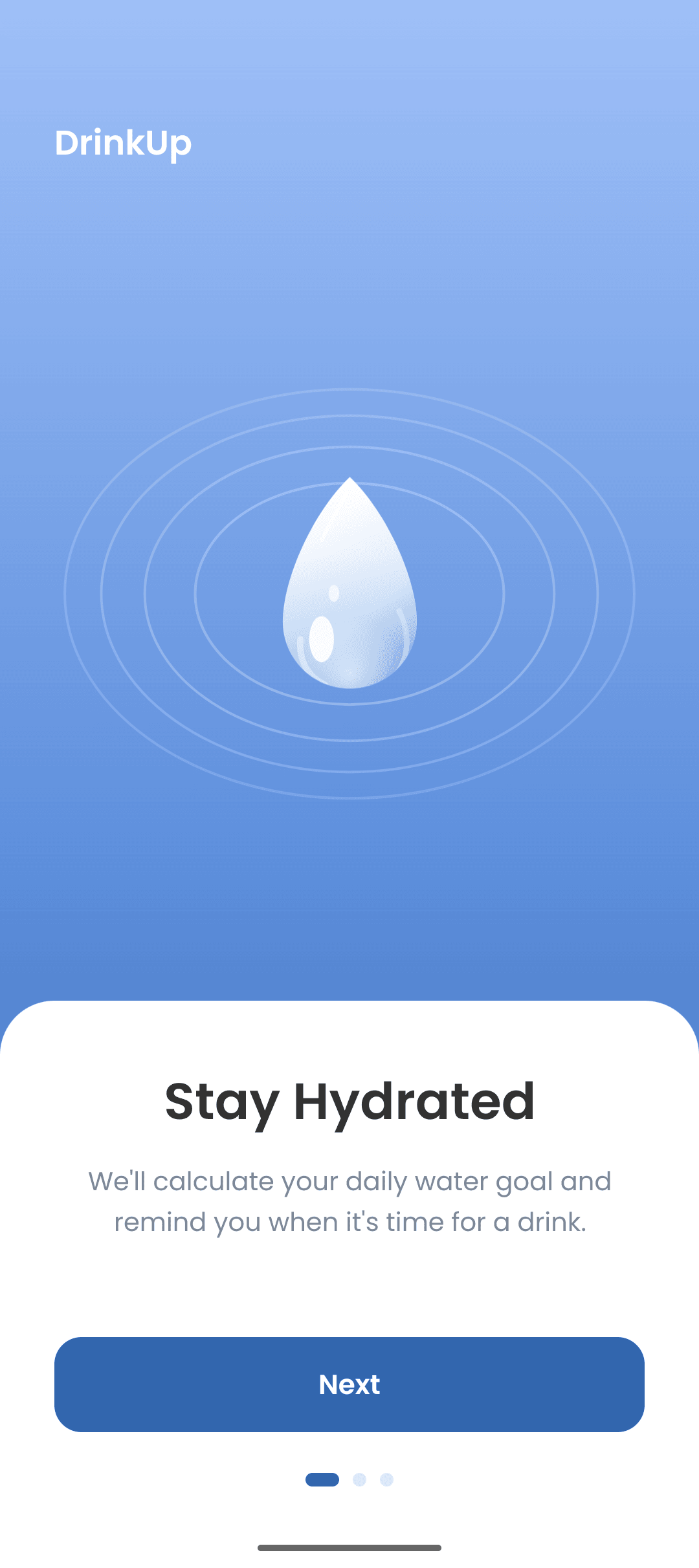
Soft blues, one accent, nothing blinking. Every screen does one thing, and the numbers are always the first thing you see.
Privacy
DrinkUp has no server of its own, nothing to sign into and nothing to sync. What you log is stored on the device and disappears with the app. The only things sent anywhere on their own are usage statistics — which screens are opened, never what or how much you drink — and, if you buy Pro, the purchase, which goes through Google Play.
Health Connect and backup files are the only two doors your drinks can leave by — and you are the one who opens them.
Nothing to sign up for, so there is nothing to breach.
Every figure is worked out and kept on the device. Airplane mode changes nothing.
Usage statistics count screens, never your profile, your drinks or anything from Health Connect. Crash logs stay on the phone unless you send us a report.
Water is written there after you grant it, and Android lets you take that back at any time.
Export a snapshot, keep it wherever you like, restore it on the next phone.
FAQ
Yes. Logging, reminders, your goal, stats, widgets and backups are all free. Optional DrinkUp Pro adds extras — streak freezes, a weekly review, smart reminders, accent colours and app icons, a caffeine limit, the year view and the wide widget — as a subscription or a one-time purchase.
No. There is nothing to create and nothing to log into.
Body weight × 30 mL, plus what your activity level adds, plus a little for every hour you are awake and every meal you eat. The Goal screen shows the arithmetic line by line — water from food is deliberately left out of it.
Yes, for what they are worth: tea at 90%, coffee at 80%, wine at 20%. Twelve drinks in all.
No. Reminders only run inside the waking hours you set, and you can snooze any of them.
Yes. Export a backup file from Settings, then import it on the new phone.
Free to use, no account, and about a minute to set up.